Virtual Accounts
1. How long does it take for VA to settle into my BrickPay balance?
The virtual account that has been paid the longest will settle or the funds will go into your Brick balance at WD+1
2. Can I modify the name of the VA that I created?
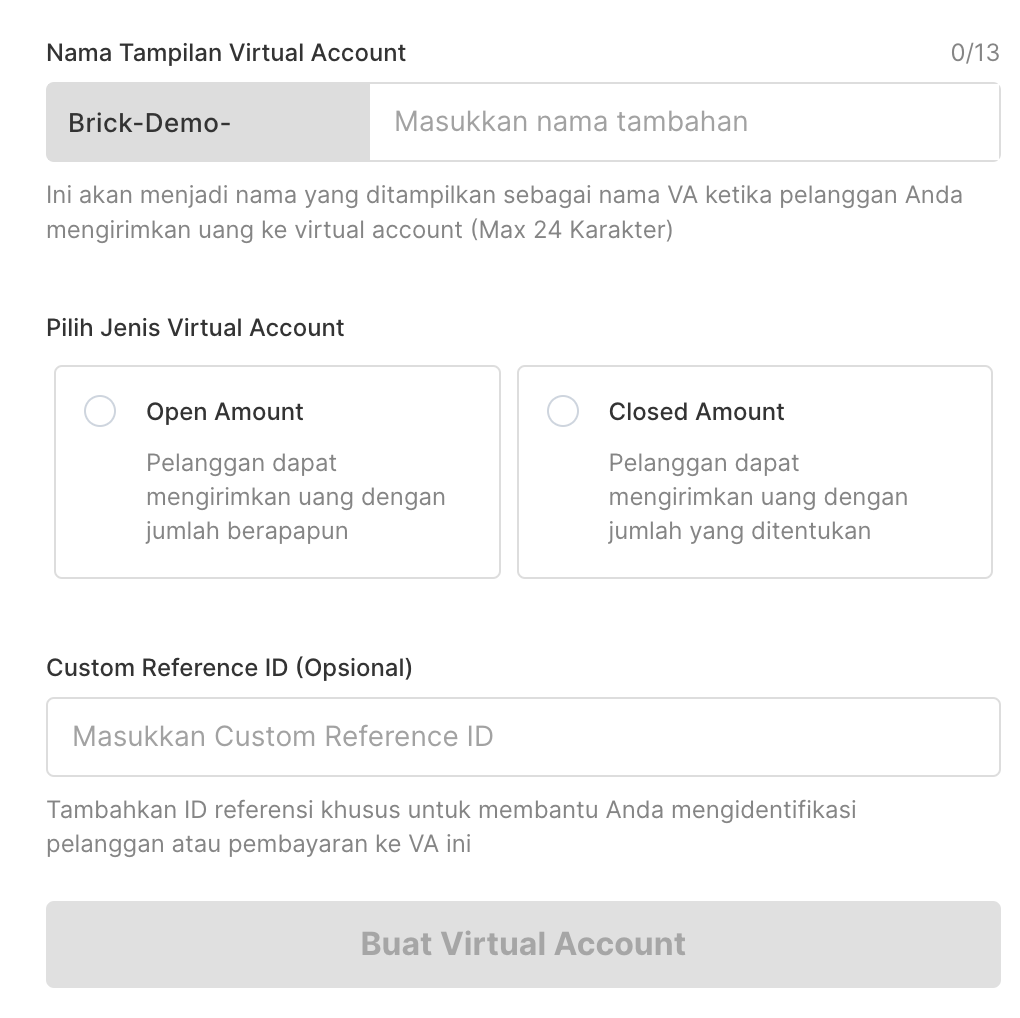
Yes, you can. The display name on the virtual account will begin with the name of your company that was used when registering the Brick. Then, you can enter additional names afterward.
3. What is the difference between Open and Close VA?
There are slight differences in the general definitions of Open and Close VA.
- For Open VA, users must enter the payment amount themselves and there is no validity period.
- For Close VA, you can set the amount and validity period of your VA.
Please see our VA documentation and API reference for more detailed info.
Feel free to contact our support team as well at [email protected]
4. What is the maximum nominal amount that can be received from the VA that I created?
For a list of VAs that Brick provides, you can see the following technical documentation https://technical-docs.onebrick.io/docs/virtual-account-1
All VAs listed can receive a maximum of IDR 500 million and a minimum of IDR 10,000
5. How long does the SLA process take to receive money?
SLA for receiving money via VA is maximum at WD+1.
Payment Link
1. What is meant by Payment Link?
Payment Link is a website link that you can create and share with your customers to receive payments from them. In this payment link, your customers will be able to see payment details such as your company details, description, file attachments, amount to be paid, and they can select the payment option they want to use to pay.
You can use this Payment Link as:
- Your ecommerce business checkout page. This Payment Link is the gateway for your customers to complete orders by selecting payment options and sending payment for their orders to your business.
- Online invoice tools/ Online Invoice tools. In this Payment Link you can attach several files such as PDF invoices or document receipts to display detailed payment information to your customers. After reading the payment details carefully, your clients can directly make the payment on the same link and close the payment.
2. How do I create a Payment Link?
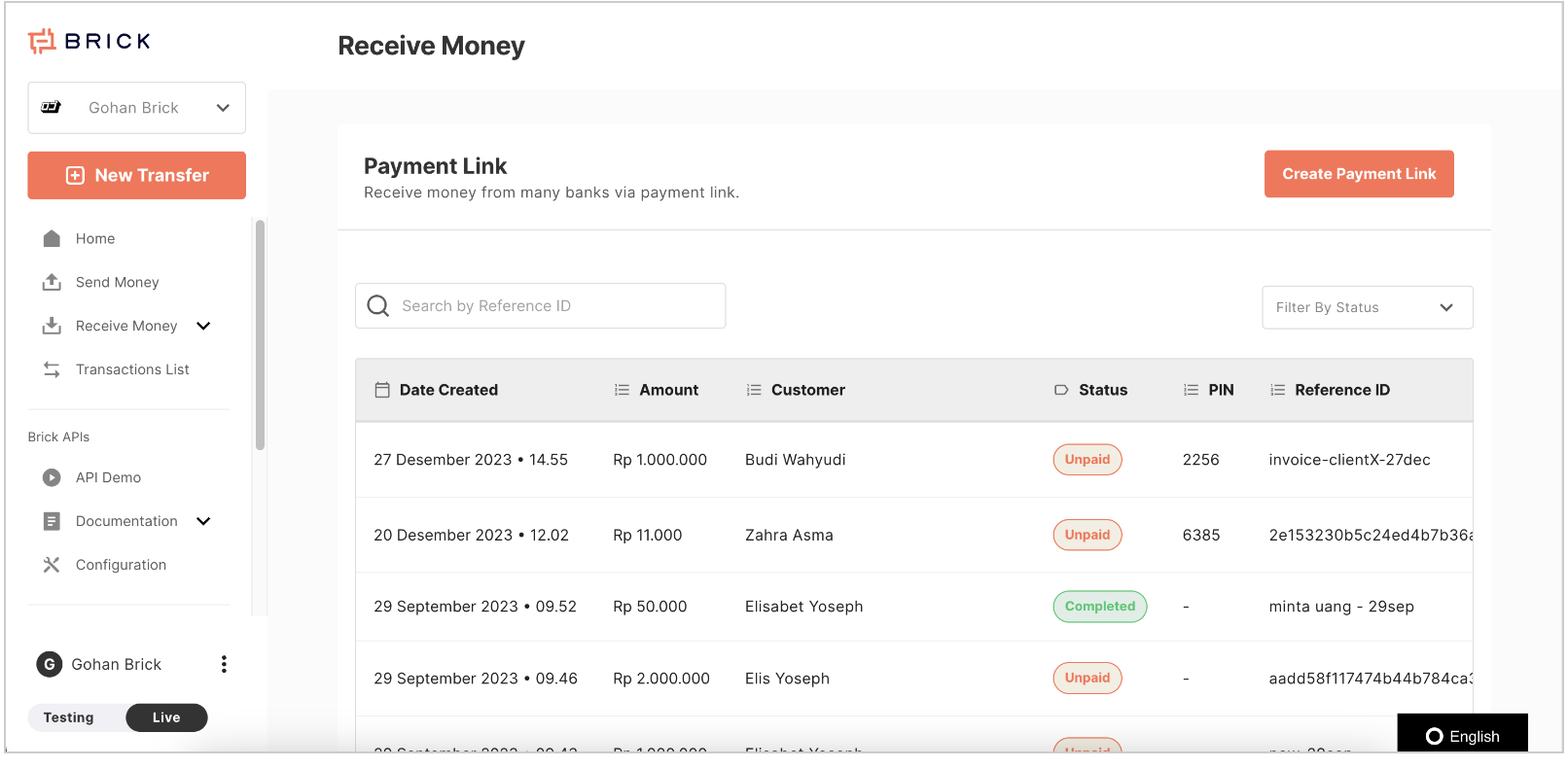
On your Brick Dashboard, you can go to the main page and on the left side of the menu select "Payment Link" then you can click "Create Payment Link" to create your Payment Link.
More complete information can be seen in our documentation below https://technical-docs.onebrick.io/docs/payment-link