1. How to invite new members to the Dashboard
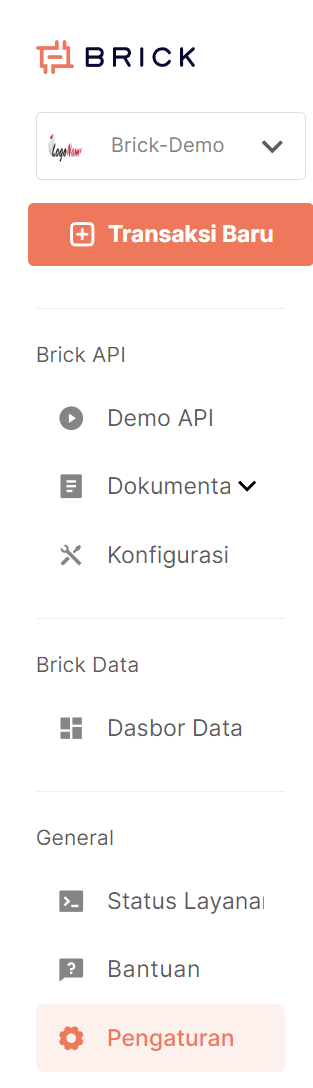
Click "Settings" in the General section of the Dashboard.
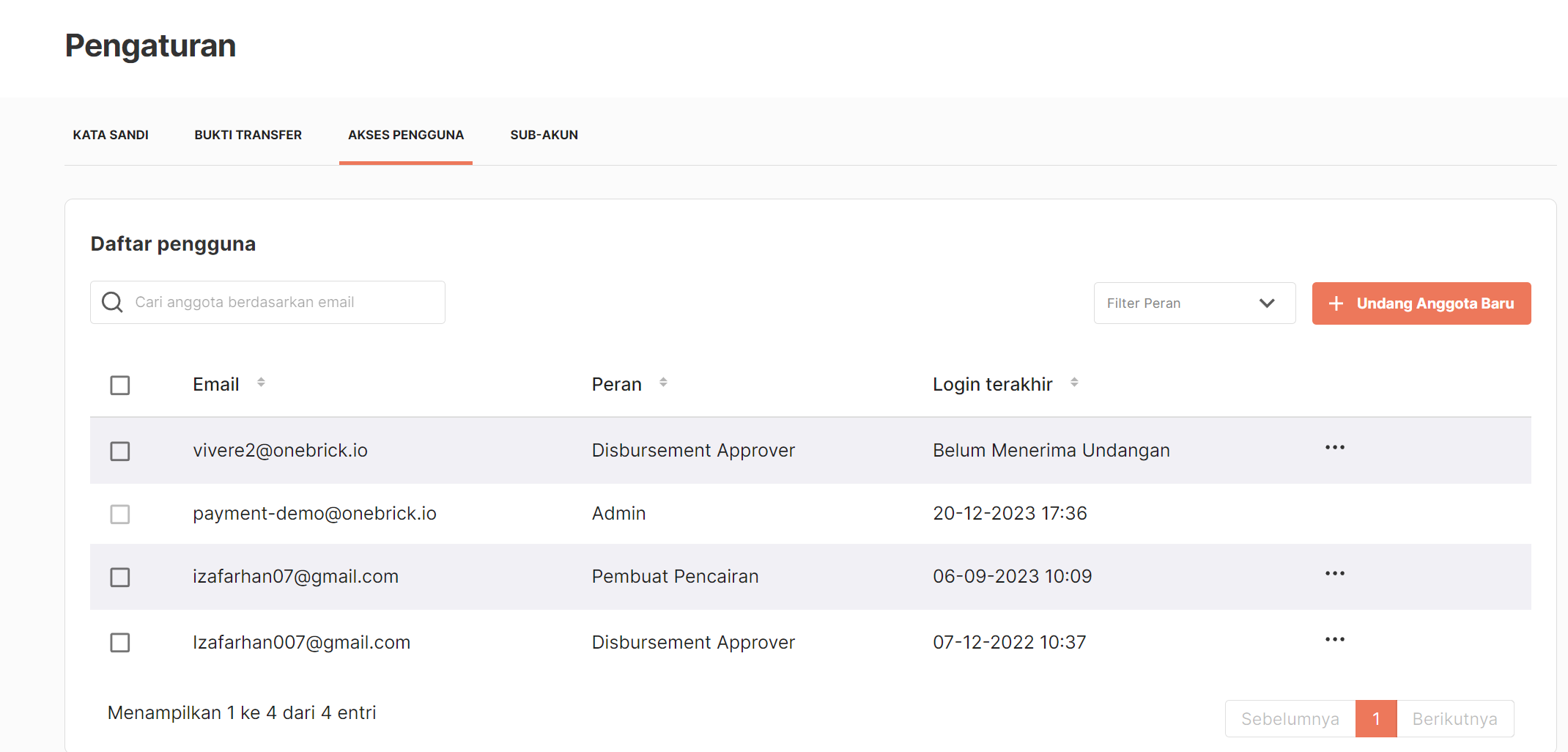
Inside the Settings menu, select the “User Access” tab, click the “+ Invite New Members” button.
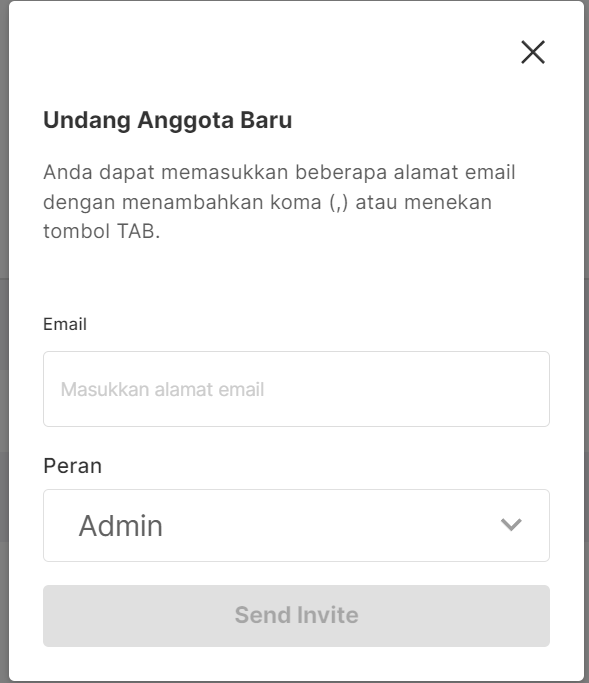
Enter the email of the new member you want to invite. Then select the appropriate role for the member. And click the "Send Invite" button to send an invitation to that email.
2. Differences in User Roles
There are 4 user roles to choose from:
- Admin: Can access and utilize all Brick features.
- Member: Can only access and view the Brick Dashboard.
- Transfer Maker: Can only create new transactions on the Brick Dashboard.
- Transfer Approver: Can only approve transactions created on the Brick Dashboard using the OTP code sent to this role's email.